How to Check Windows Edition Without Activation (3 Methods) in 2025
Even if Windows isn't activated, you can still see the edition. These methods work on unactivated Windows 11/10 in 2025.
Method 1: winver Command
Win + R > winver: Shows "Windows 11 Pro" even unactivated.
Method 2: CMD
DISM /Online /Get-CurrentEditionOutputs Current edition: Professional.
Method 3: PowerShell
Get-WindowsEdition -OnlineShows Edition and TargetEdition.
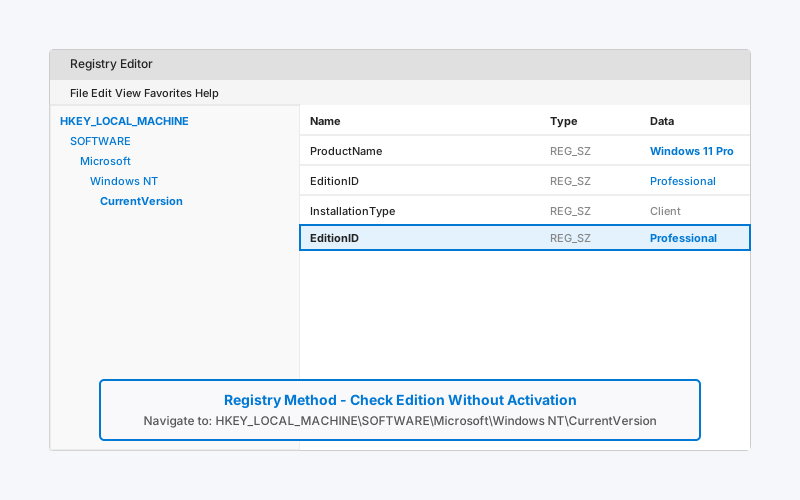
Method 4: Registry
regedit > HKEY_LOCAL_MACHINE\SOFTWARE\Microsoft\Windows NT\CurrentVersion > EditionID = Pro/Home.
Why Edition Matters Unactivated
Determines available features; activate to unlock all.
FAQ
- Q: Can I change edition without key? A: No, needs activation.
- Q: Enterprise vs Pro? A: Enterprise has extra business tools.
Test with our tool.